Publishers#
The Publishers feature helps you manage the organizations that publish academic journals and monographs. By maintaining a directory of publishers, you can link journals to their publishing houses, manage transformative agreements, and ensure consistency across your institution’s publication tracking.
Overview#
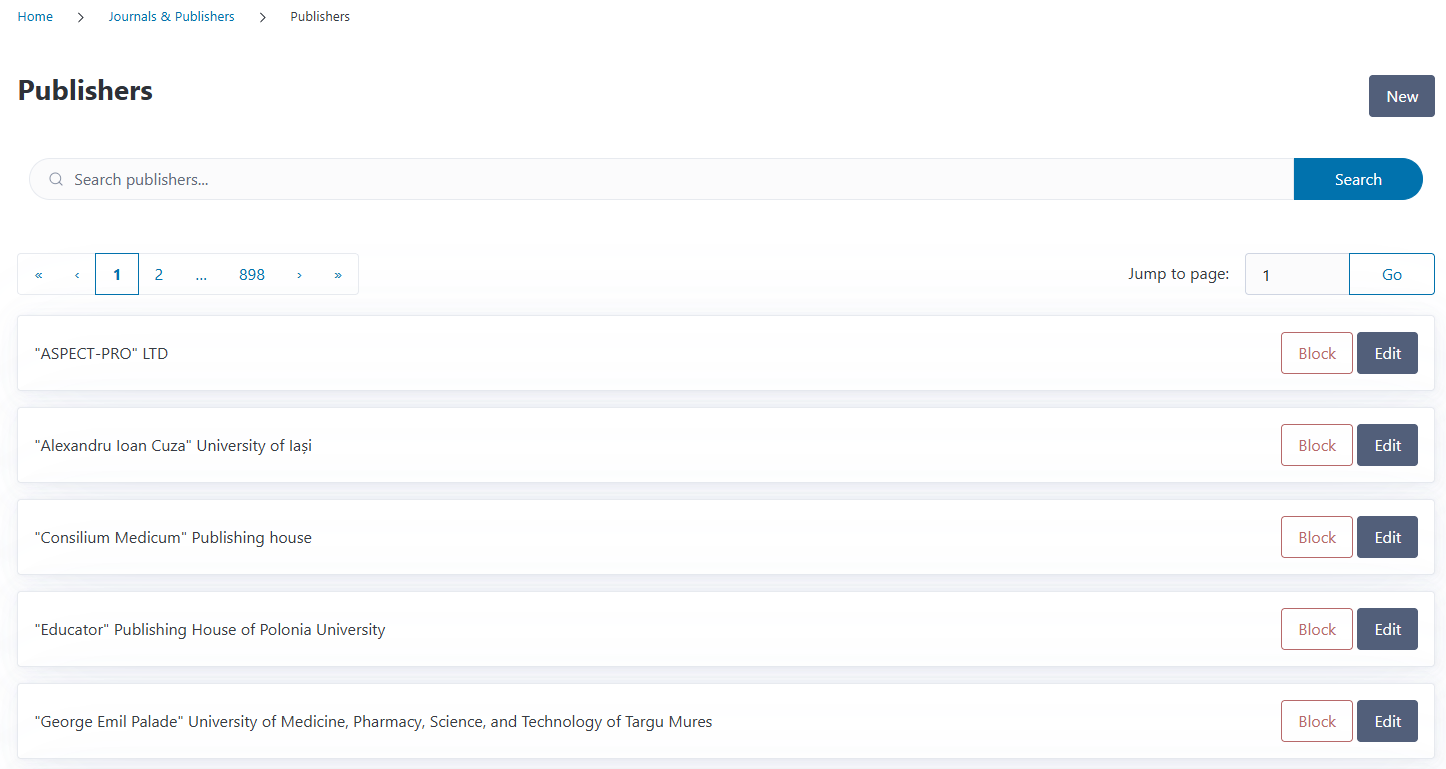
You can access the Publishers page from the Journals & Publishers section in the navigation menu. The overview displays all publishers in your system with their names, block status, and quick access to editing.
You can search for publishers by name using the search box at the top of the page.
Understanding Publishers in CODA#
Publishers are the organizations that publish journals, books, and other academic materials. In CODA, publishers serve several important roles:
Journal management: Each journal is linked to one publisher
Contract organization: Transformative agreements are associated with publishers
Monograph publishing: Book publishers are tracked for monograph funding requests
Blocklist management: Publishers can be flagged to prevent funding certain publications
Publishers vs. Creditors
These are different entities in CODA:
Publishers publish journals and academic content
Creditors send invoices for publication costs
While often the same organization (e.g., “Springer Nature” as both publisher and creditor), they serve different purposes in the system.
Creating a Publisher#
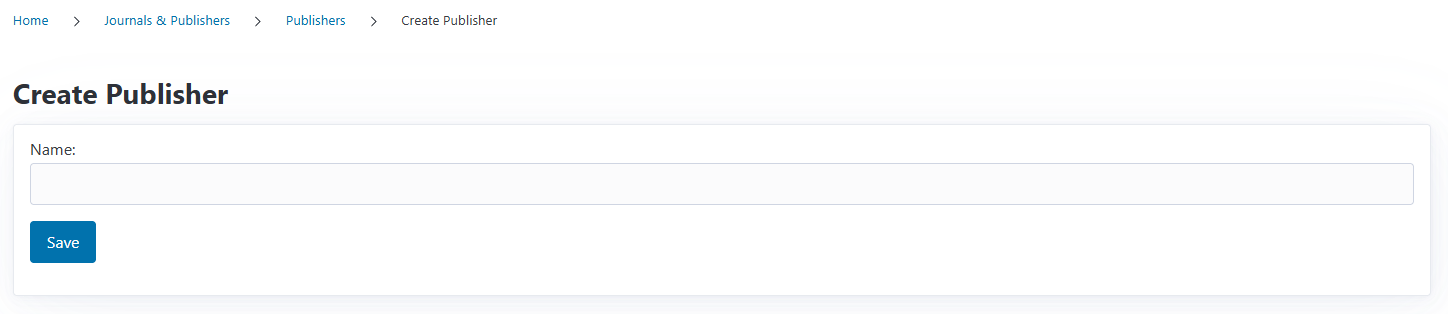
To add a new publisher:
Navigate to the Publishers page
Click the New button
Enter the Publisher Name
Click Save
The publisher is immediately available for linking to journals, contracts, and monographs.
Editing a Publisher#
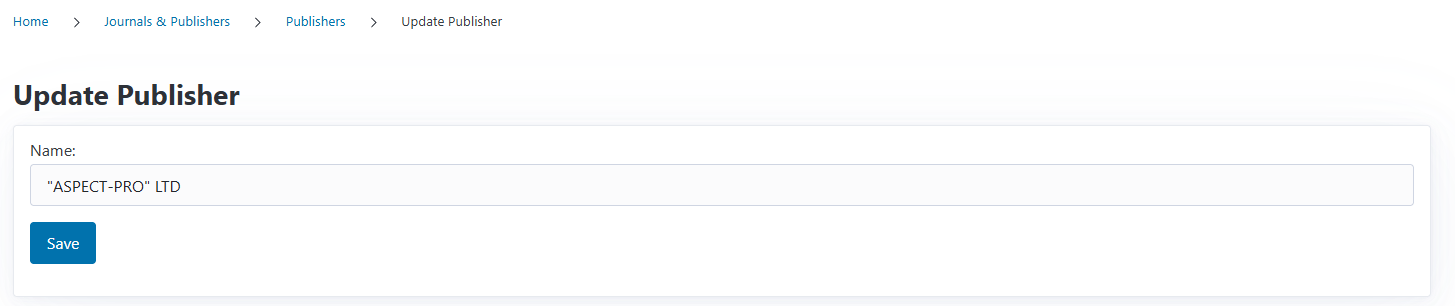
To update a publisher’s name:
Navigate to the Publishers page
Find the publisher you want to edit
Click Edit
Update the Name
Click Save
All journals, contracts, and publications linked to this publisher automatically reflect the updated name.
Important
Editing a publisher’s name updates it everywhere in CODA. This affects:
All journals published by this organization
All contracts with this publisher
Historical data and reports
Use this carefully for corrections or standardization, not to repurpose a publisher entry.
Publisher Blocklist#
CODA includes a blocklist feature to flag publishers your institution wants to avoid:
Blocking a Publisher#
From the publisher list:
Locate the publisher you want to block
Click the Block button
The publisher is immediately added to your blocklist
Blocking a publisher helps your team identify potentially problematic publishing relationships during funding request review.
Unblocking a Publisher#
If a publisher should no longer be blocked:
Find the blocked publisher in the list (they show an Unblock button)
Click Unblock
The publisher is immediately removed from the blocklist
For more information about managing blocked journals and publishers, see the Blocklist documentation.
Using Publishers in CODA#
Publishers are referenced throughout CODA in several contexts:
In Journals#
Every journal is associated with one publisher:
When creating a journal, you select its publisher
Journal listings display the publisher name
This connection ensures accurate representation of who publishes each journal.
In Contracts#
Transformative agreements specify which publishers are party to the deal:
Contracts can include multiple publishers (for publisher groups)
Publishers are searched and added when creating contracts
Contract coverage is determined by publisher and journal relationships
In Monograph Funding Requests#
When creating funding requests for monographs:
You search for and select the book publisher
The publisher information is stored with the publication
In Automatic Import#
When importing funding requests:
If a publisher with the specified name exists, it’s reused
If the publisher doesn’t exist, CODA creates it automatically
This prevents duplicate entries and ensures completeness
What’s Next?#
In future versions of CODA we want to implement a soft deletion feature to handle duplicate publishers.
Furthermore, we want to implement a detailed view where publishers are associated with journals, contracts and funding requests.
Publishers provide organizational structure for your institution’s publication ecosystem, connecting journals, contracts, and costs under the organizations that make academic publishing possible.